Free trials end quietly. StillFree doesn’t.
Every trial you start is a charge with a delay on it. StillFree holds the date, counts the money, and warns you while cancelling is still free.
Coming soon to the App Store
iPhone · iOS 18 or later
One purchase. No subscription.
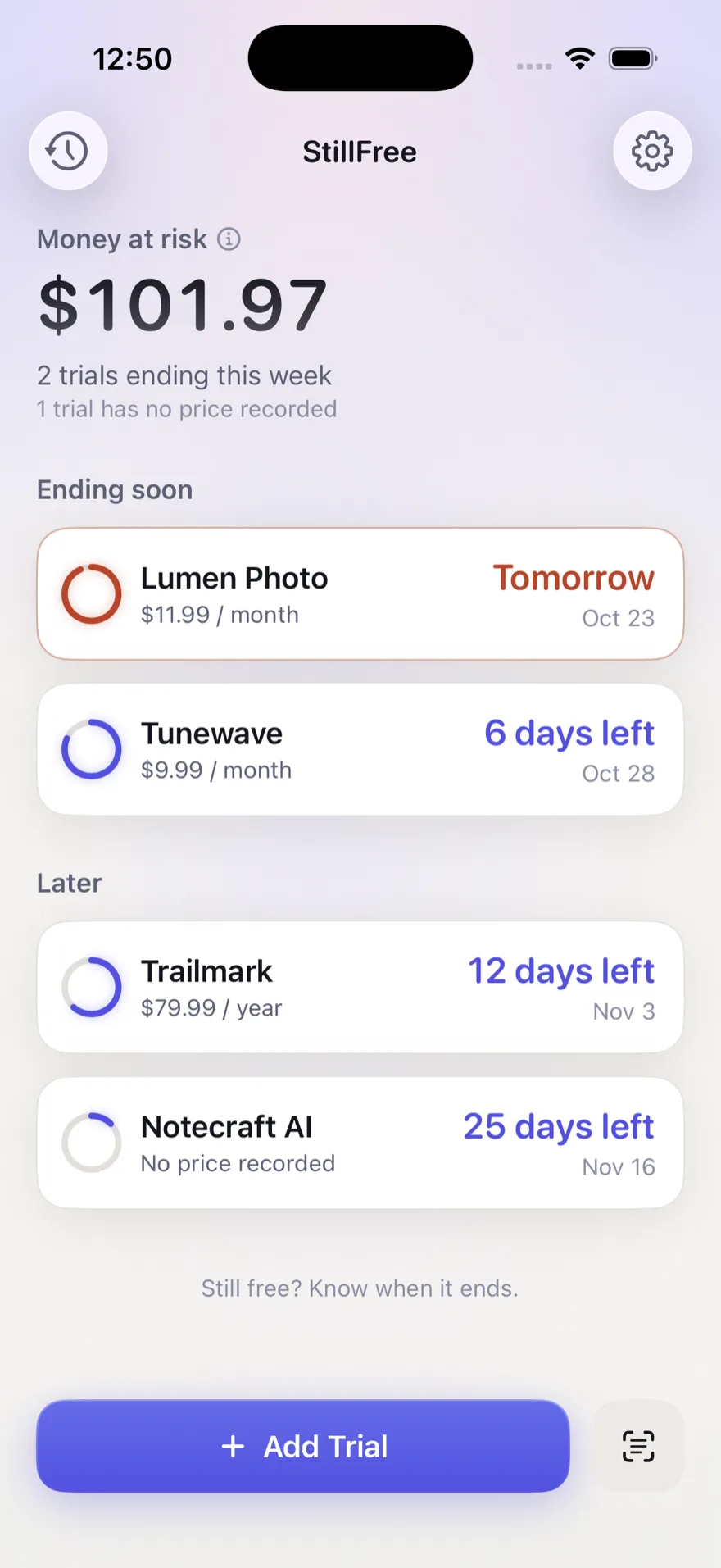
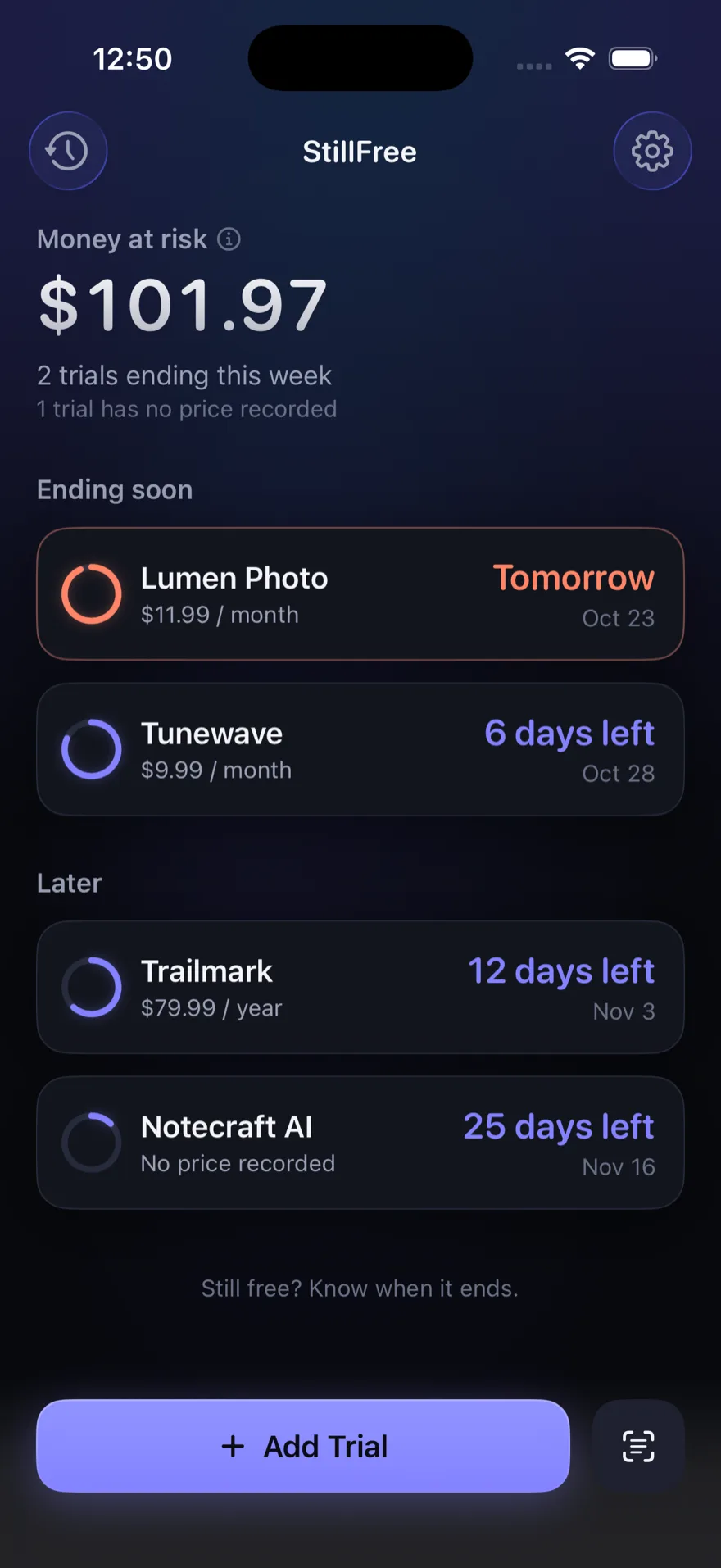
Told in time
Three days out, the day before, and on the final morning — at an hour you choose.
Nothing leaves the phone
No account, no server, no analytics. Your trials stay on your iPhone and sync only through your own iCloud.
Paid once
An app that saves you from subscriptions has no business being one.
What StillFree is for
A free trial is a promise to pay later, made on a day you have already forgotten. The charge arrives weeks after the decision, from a company you tried once, for an amount you never agreed to out loud.
StillFree is the note you would have written to yourself. It holds the end date of every trial you are in, adds up what those trials will cost if you keep them all, and tells you before the first of them turns into money. It does not watch your bank and it does not guess — it remembers, which is the part people actually get wrong.
How it works
1. Add a trial
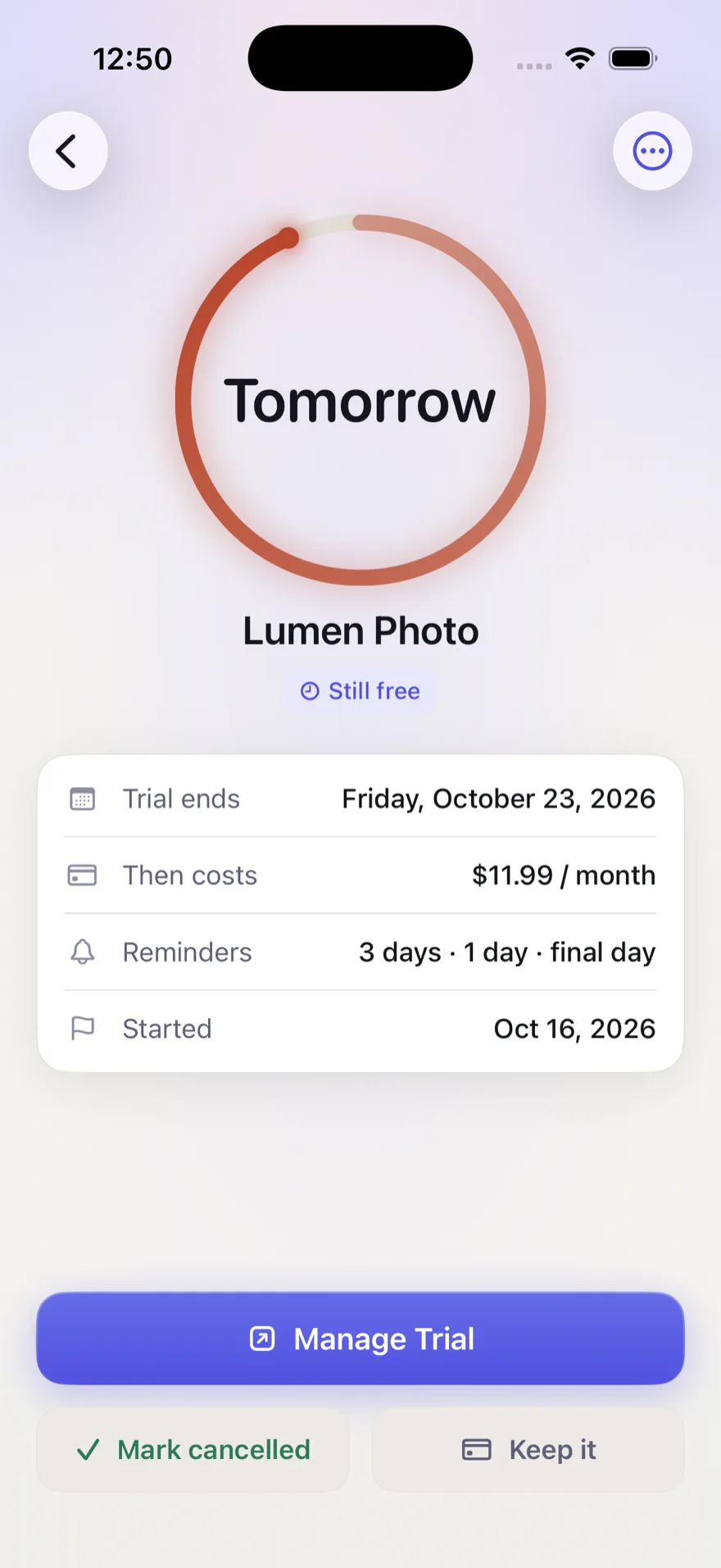
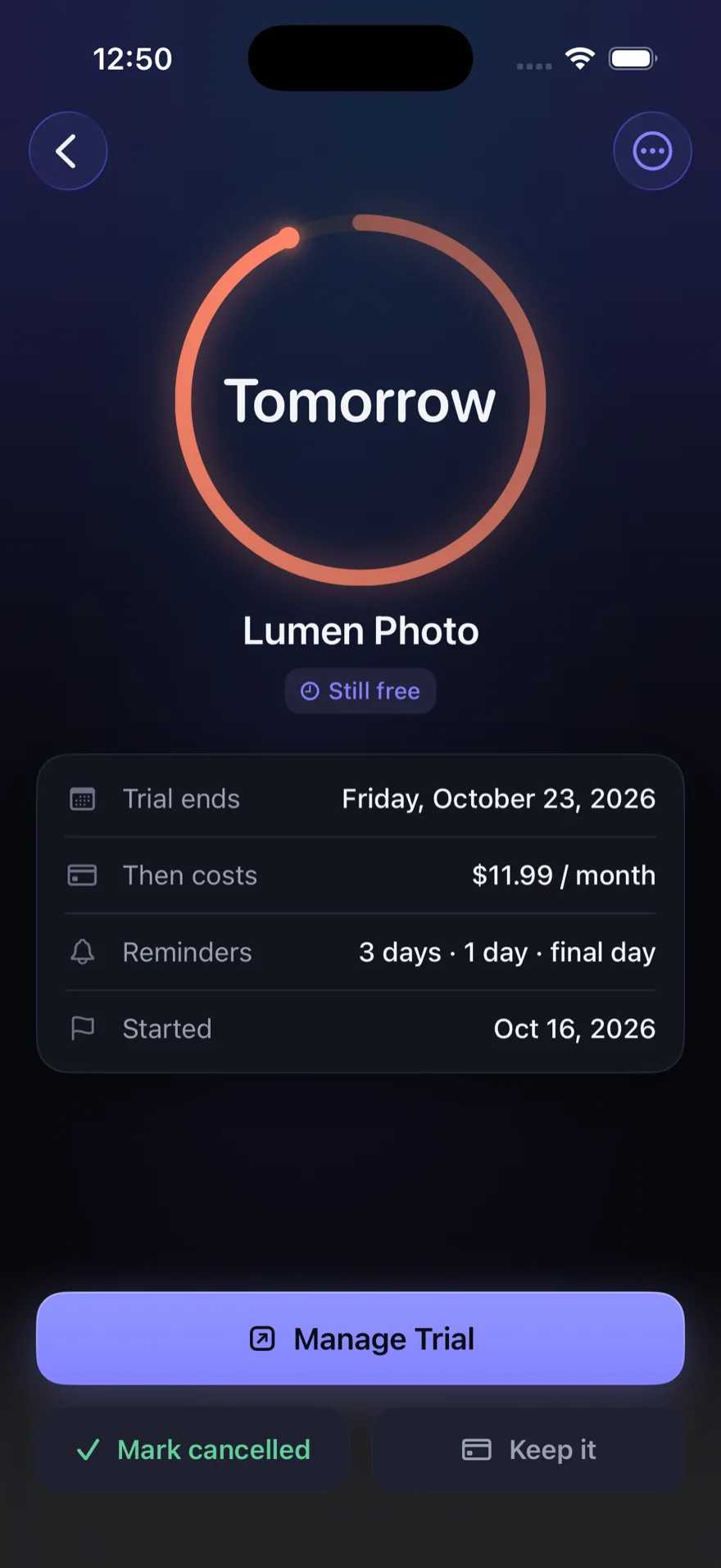
Type the service, the end date, and what it will cost afterwards. Only the name and end date are required — StillFree never invents a price it did not read.
2. Or share a screenshot
Share the confirmation screen to StillFree from any app, or pick a screenshot from your library. Your iPhone reads the text on the device using Apple’s Vision framework and fills in what it can find. You review it before anything is saved.
3. Get reminded before free ends
By default, three days out, the day before, and on the final day. You choose which reminders you want and what time of day they arrive. Reminders are scheduled by iOS on your iPhone.
4. Decide
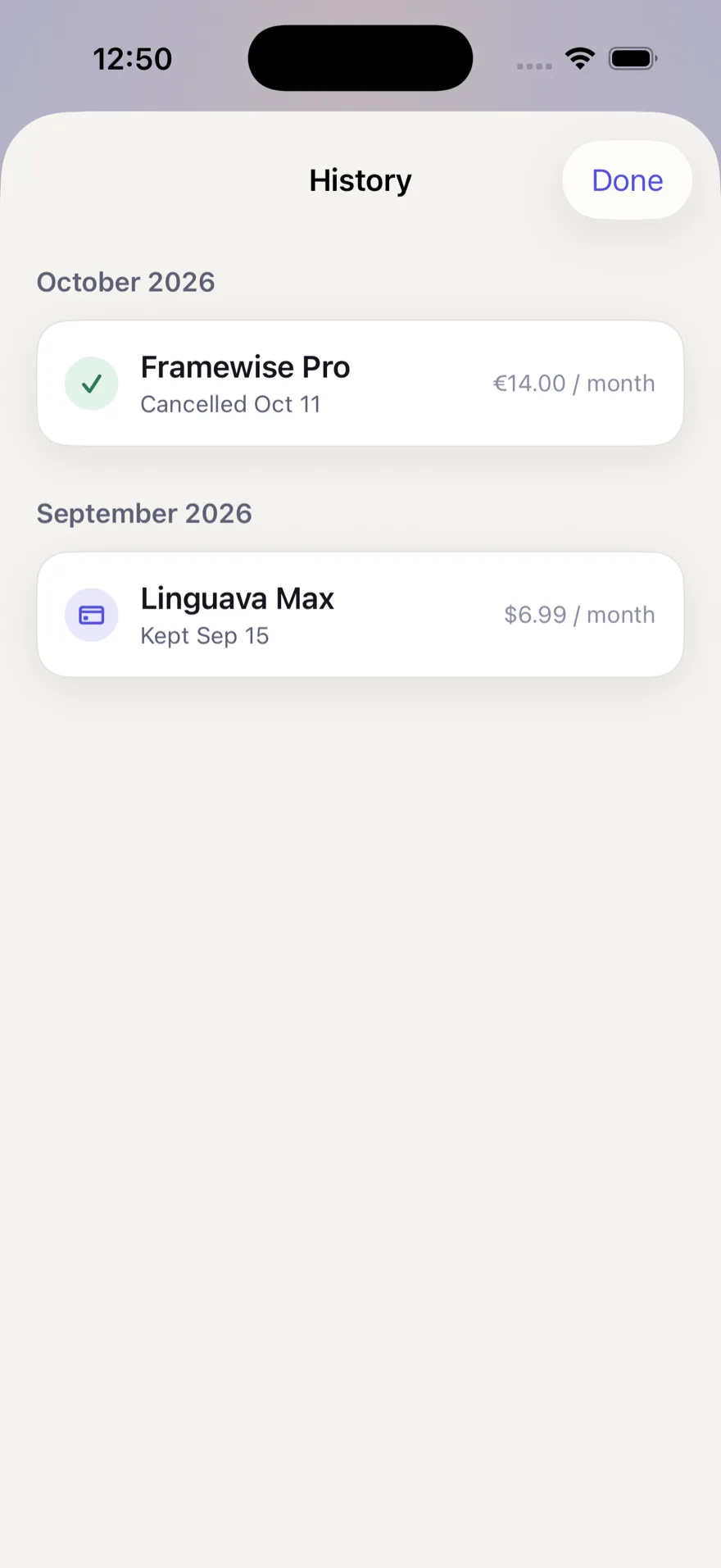
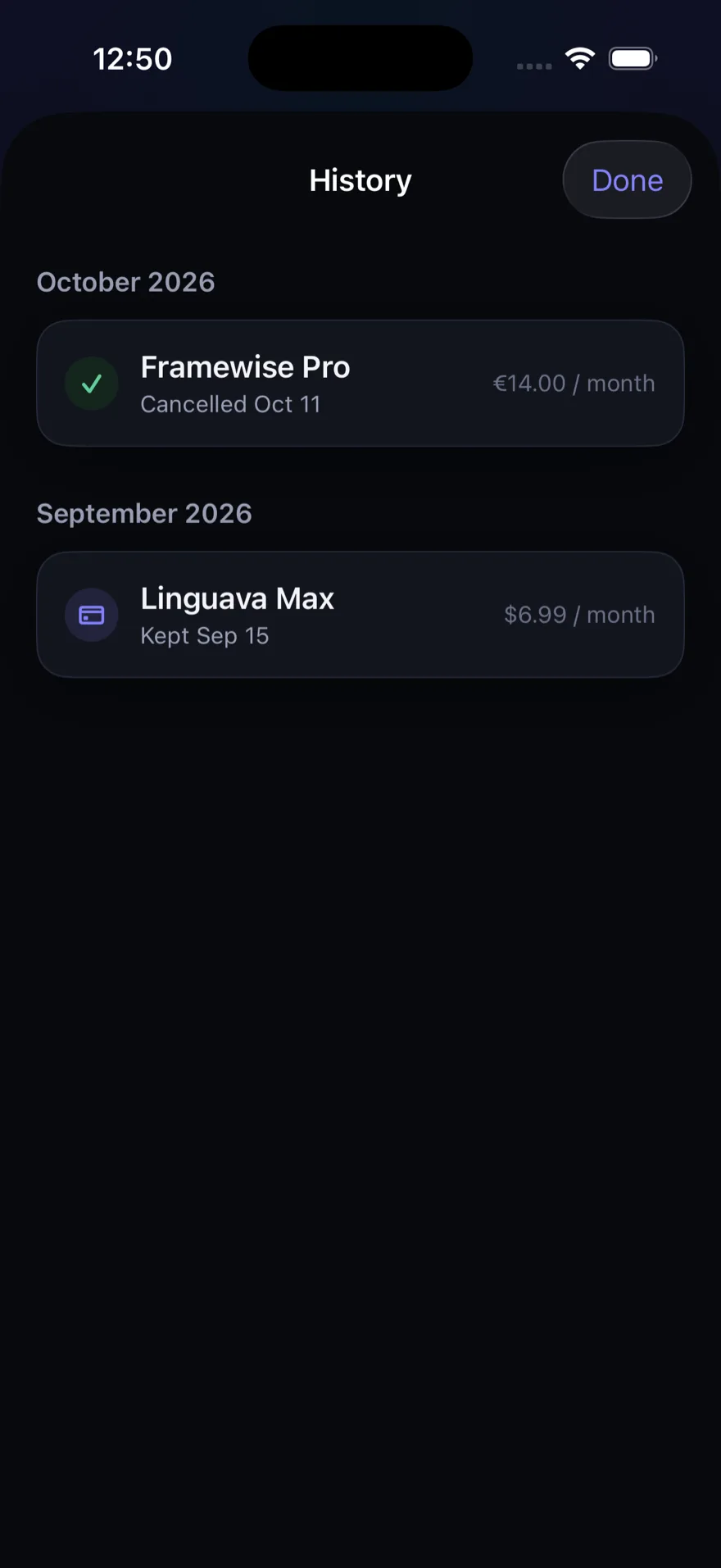
StillFree opens the management page you saved, or your App Store subscriptions, and then asks whether you cancelled. It cannot cancel anything on your behalf, and it does not pretend to.
What StillFree is, plainly
- Price
- One purchase
- Subscription
- None
- Free trial for StillFree itself
- None
- Account or sign-up
- Not required
- Bank or card connection
- None
- Ads
- None
- Analytics or tracking
- None
- Third-party code
- None
- Screenshot recognition
- On your iPhone
- Where your trials are stored
- On your iPhone
- Requires a network connection
- No
What StillFree cannot do
StillFree tracks what you tell it. It has no connection to your bank, your card, or the companies whose trials you are tracking, so:
- it cannot discover trials you have not entered or imported;
- it cannot see whether a trial has actually been cancelled;
- it cannot cancel a subscription for you.
It keeps the dates and it tells you in time. The deciding stays with you.
Know when free ends
When StillFree reaches the App Store it arrives as a one-time purchase — no subscription, no trial of its own, and no ads.
Coming soon to the App Store
Questions before then?
support@stillfree.download